Plugins
A plugin is a separate Android app that adds triggers, actions, values and transforms to the palette. It runs in its own process under its own permissions — Easymatic never lends it any of its own.
Read the plugin guide →Android automation
Easymatic is a visual, node-based automation app for Android. Your automations run 24/7 in the background, wherever you go. The power of AI where you want, manual control where you need it.
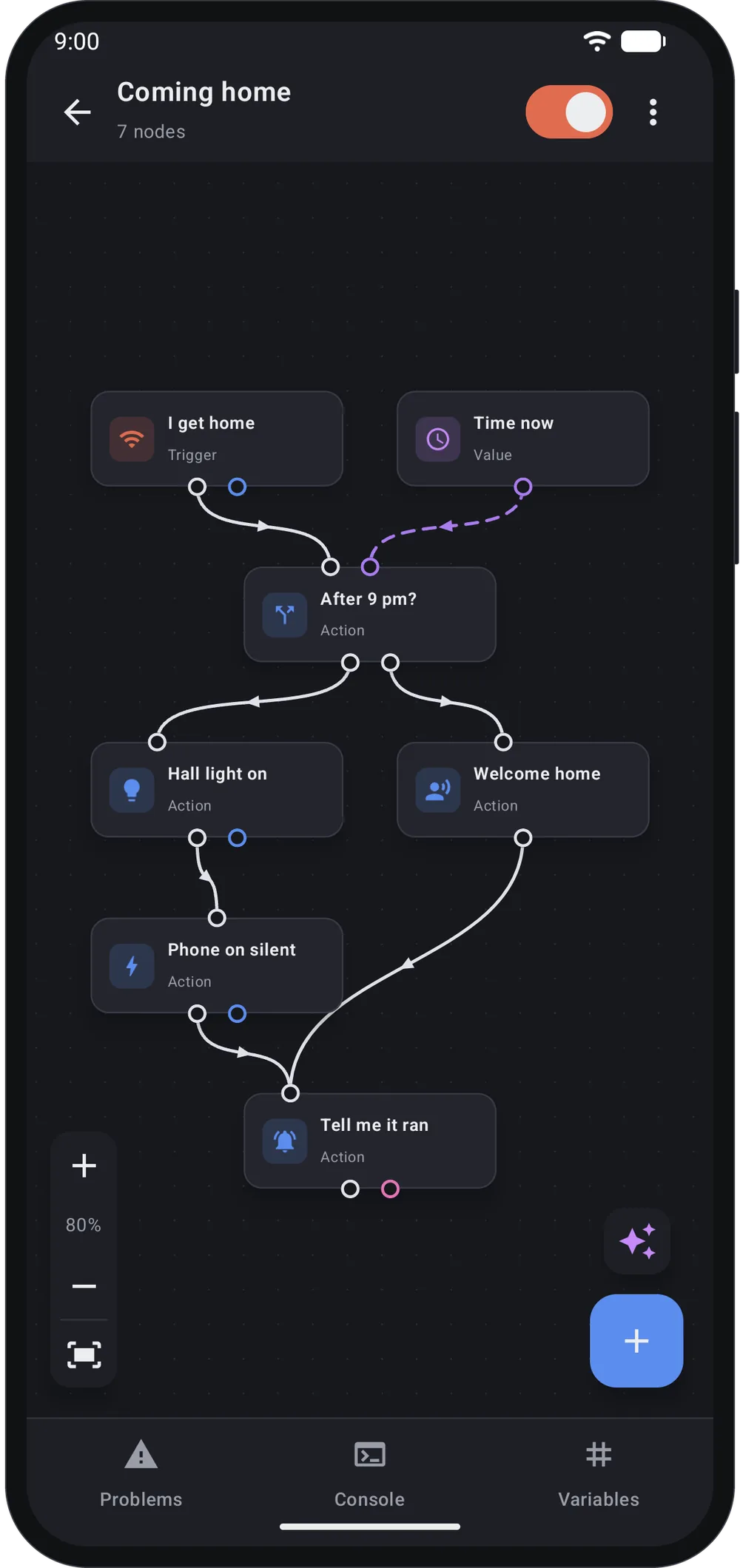
Simple editor with an intuitive node-based workflow. JavaScript code when you need it.
Everything runs on your phone. No cloud, no accounts, no subscriptions.
MIT licensed, with no paid tier. Read the code, change it, or build your own.
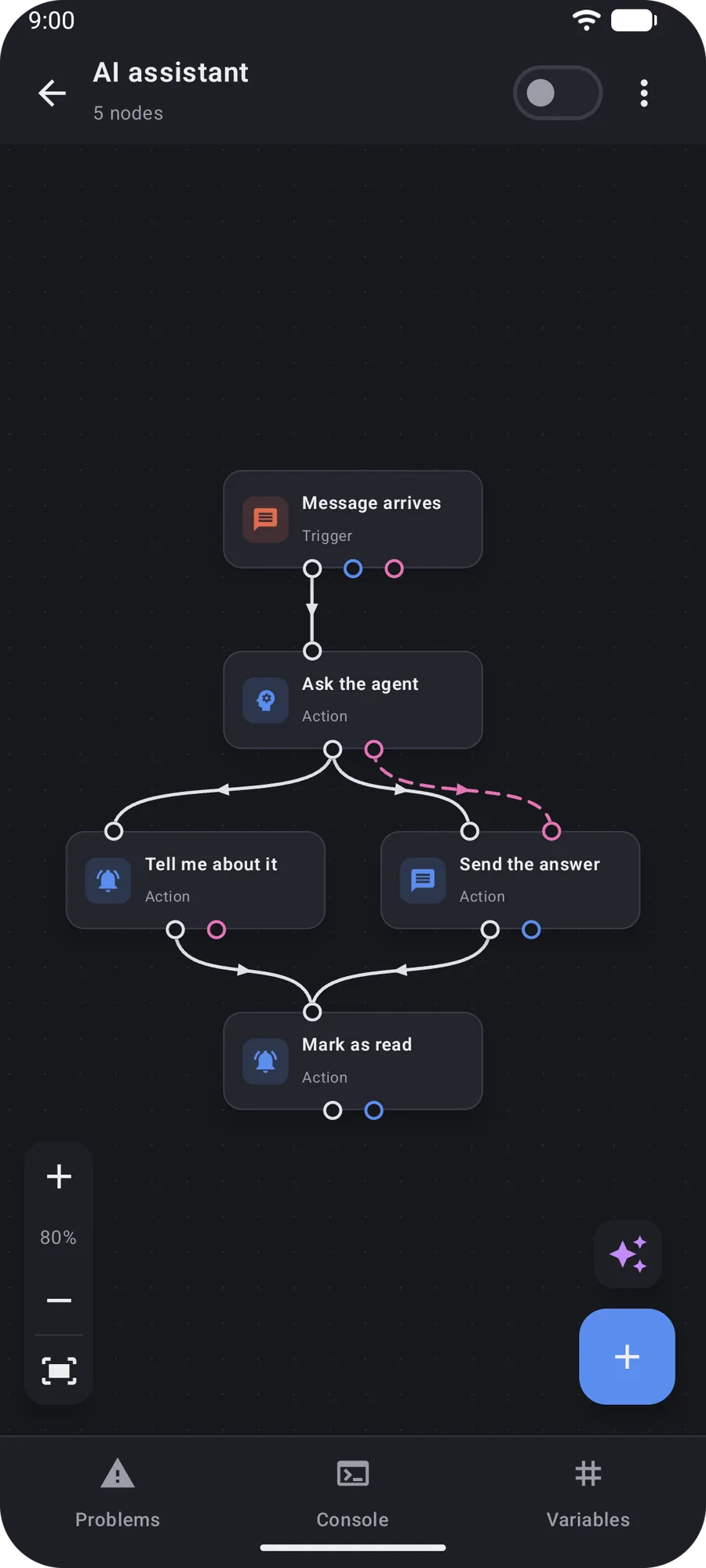
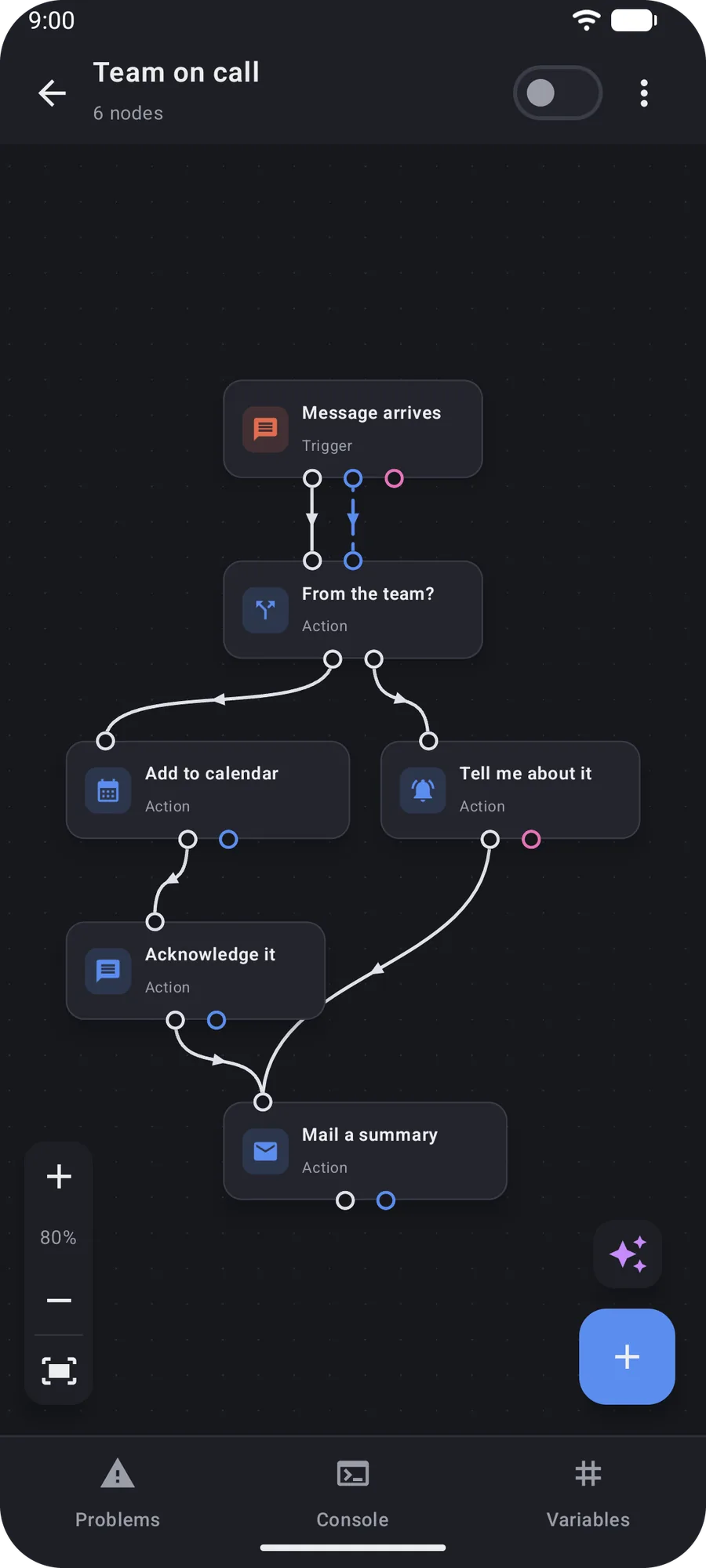
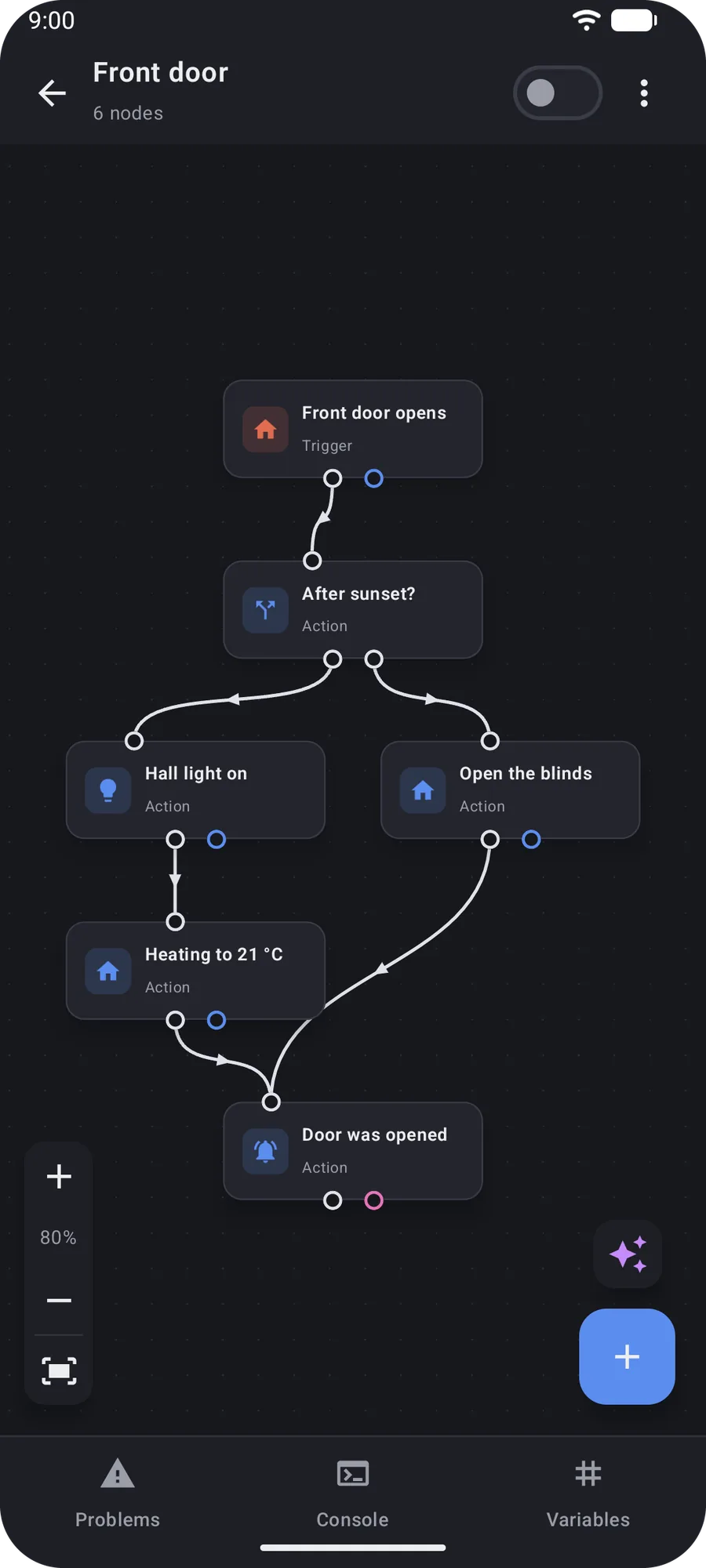
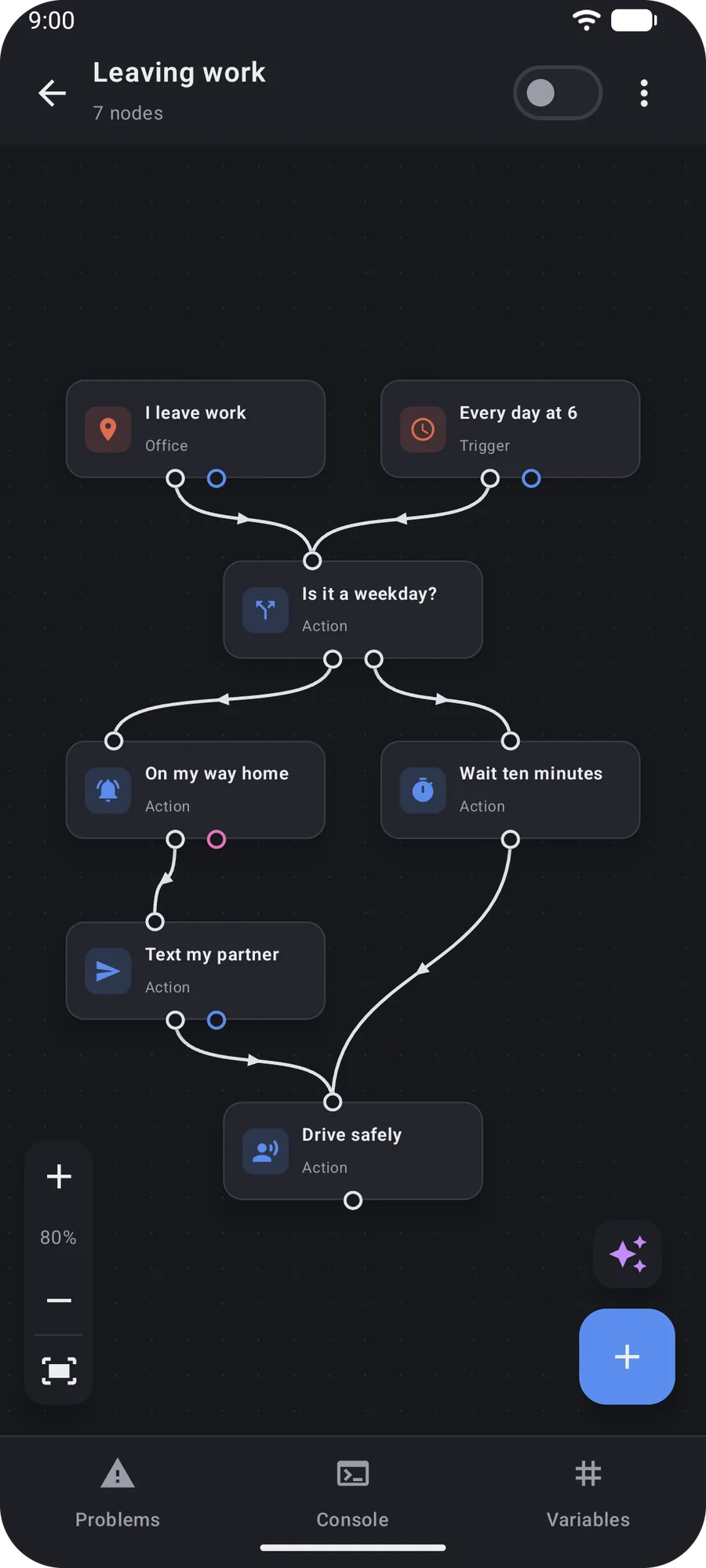
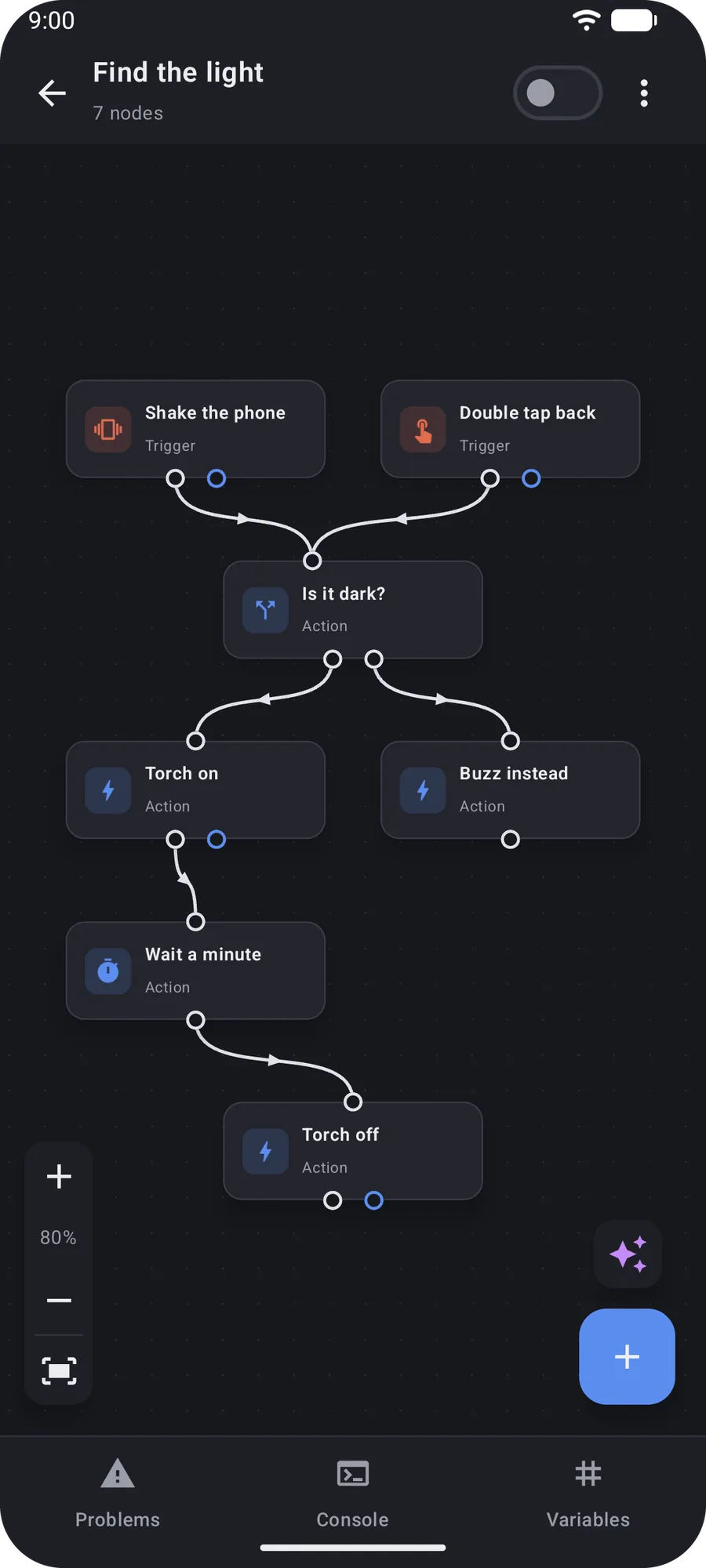
Switch your radios, torch, volume, brightness and Do Not Disturb from a macro. React to how the phone is held, moved, covered or lit.
Draw your places on a map and let your macros follow you. React when you join a network, plug something in or tap an NFC tag.
Post notifications with buttons and read the answer straight back into your macro. React to SMS and to other apps, and reply without opening them.
Home Assistant, MQTT and Philips Hue, with discovery and pairing built in. React to what your devices report, and control them back.
Bring your own model. Gemini, Anthropic, OpenAI, OpenRouter or anything OpenAI-compatible, local ones included.
Read, write, move and delete files through the system picker. Watch for new photos and screenshots, edit them and manage their metadata.
Query, add and update appointments, or start a macro when one begins. Send and fetch mail, and react to what arrives.
Branch, loop, wait and stop. Keep values in variables, and drop into sandboxed JavaScript when no node fits.
Put a macro on your home screen as a one-tap tile. Add a panel for engine state and your manual triggers, or a launcher shortcut.
A plugin is a separate Android app that adds triggers, actions, values and transforms to the palette. It runs in its own process under its own permissions — Easymatic never lends it any of its own.
Read the plugin guide →Other apps and scripts — Tasker, Termux, adb, anything that can send an intent — can run your macros and pass values in. Nothing is reachable until you put the trigger node on it yourself.
Read the API guide →Easymatic is free and open source. Grab a build, wire something together, and see how far the graph goes.
Download .apk is the installable file on the newest GitHub release. Beta access opens the Google Group for the closed test on Google Play — join it first, then become a tester on the store.